All Apps
/
Salesperson Portal

Description:
Salesperson Portal
Work on both Community and Enterprise
Works for Both Internal and External/Portal Users
Any User you assigned/give access will have the App/Menu on Portal side
Main Features
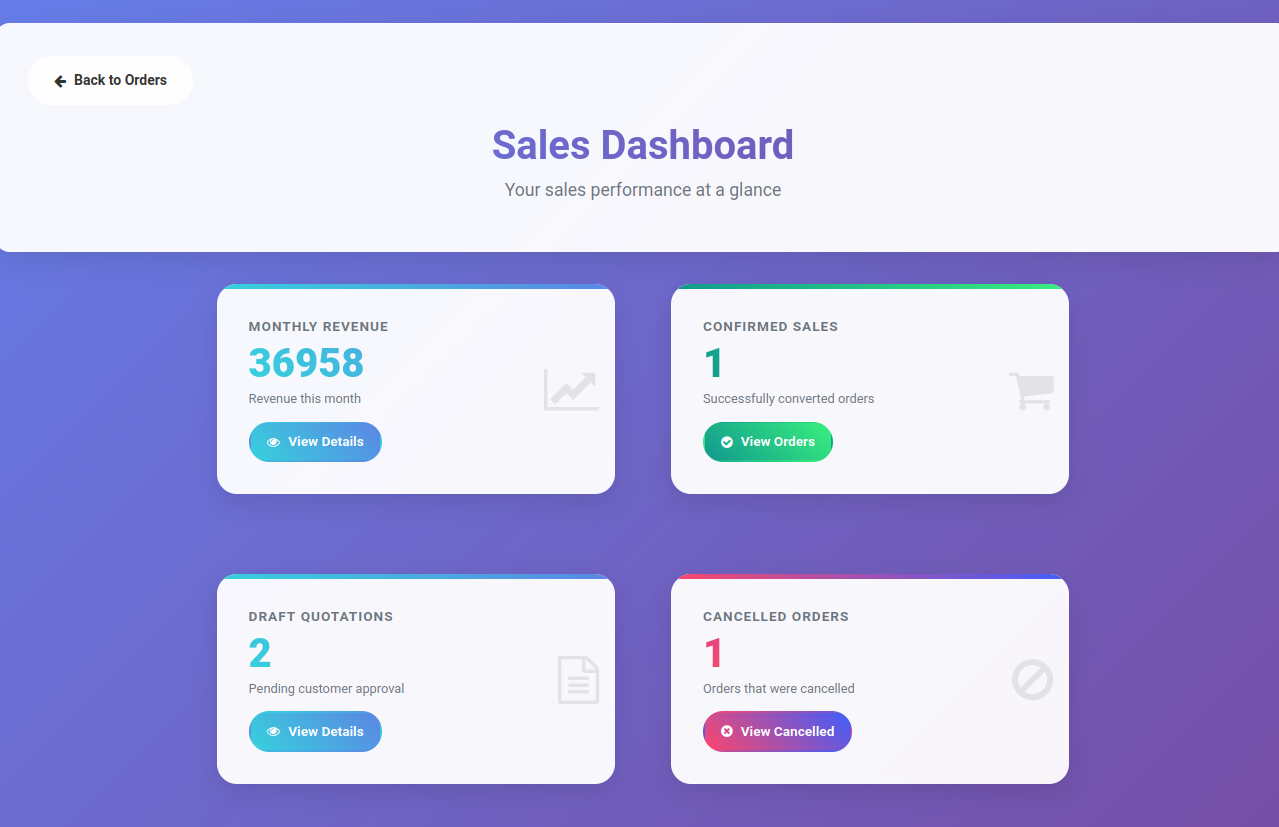
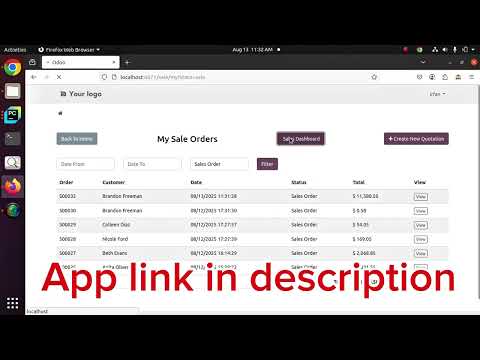
Salesperson can view and create quotation from portal + Dashboard
Different filters available
Configuration
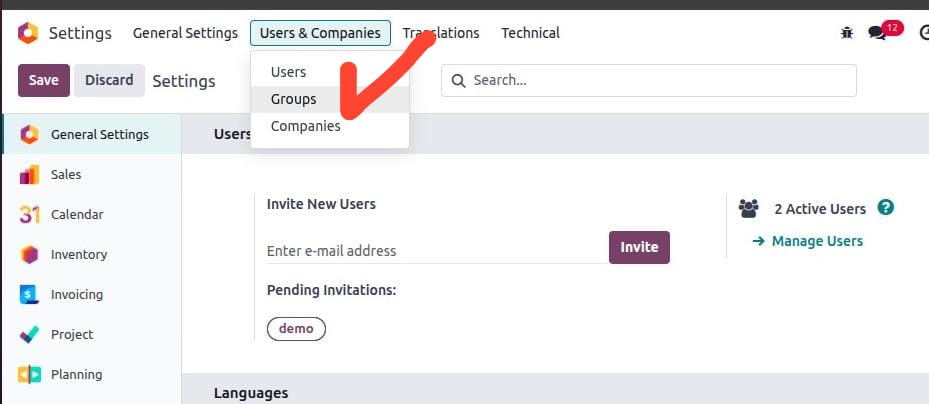
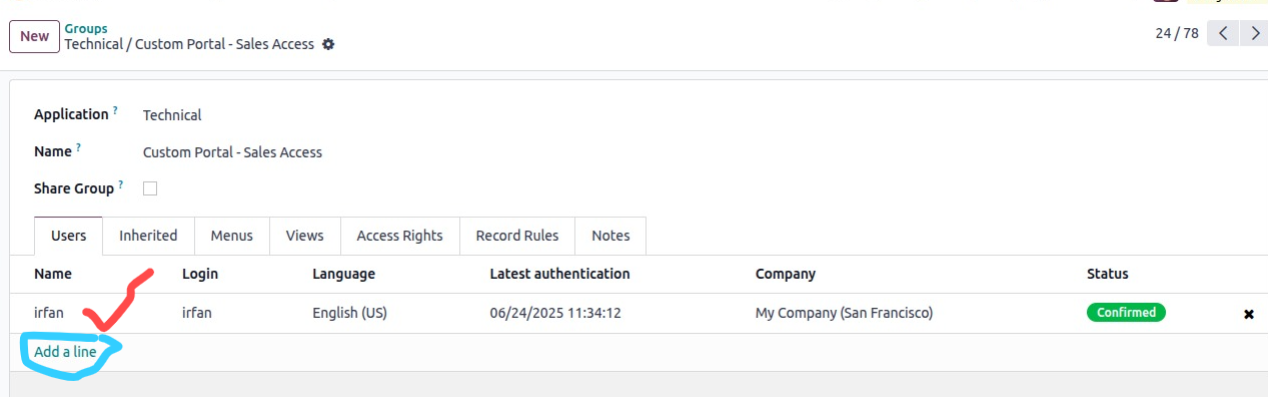
Next go to Settings → Users & Companies → Click on Groups (make sure developer mode is activated)
Search or select the Group "Custom Portal - Sales Access" and click to open
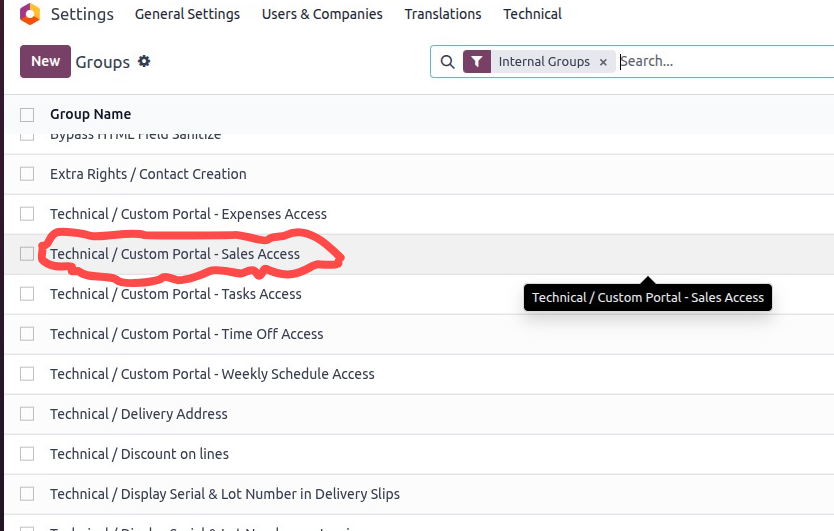
Add users in the order line.
Now log in with the User. You will see the app/menu like below:
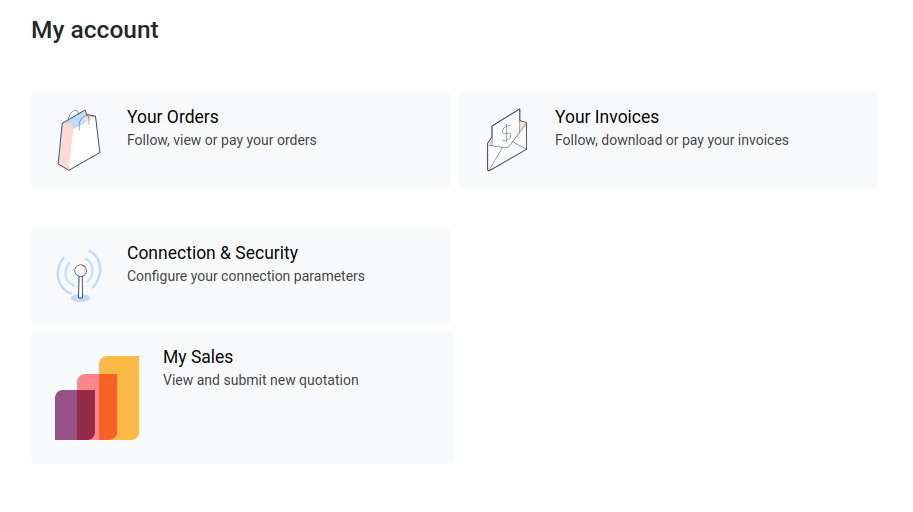
Click on "My Sales" to open your Quotations/Orders. To create new, click "Create New Quotation"
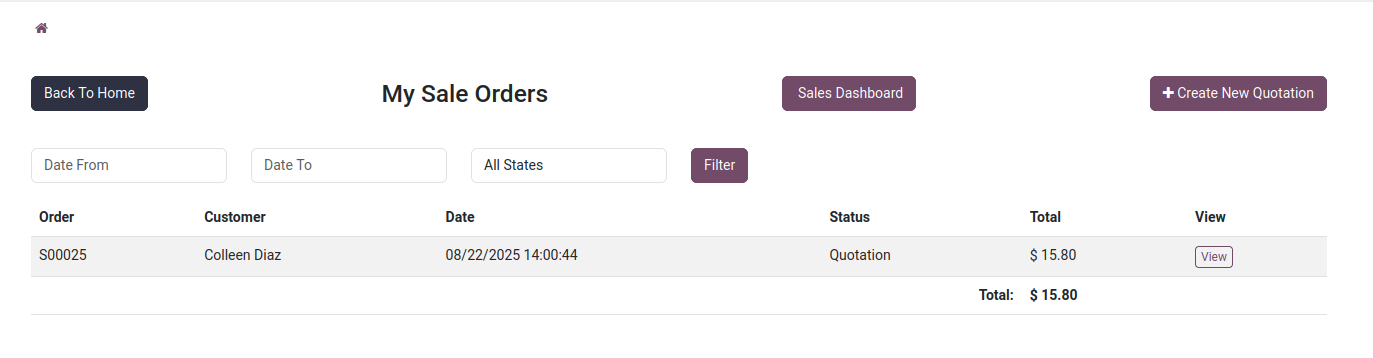
Click on Sales Dashboard to view this month revenue